
diff options
| author | Christian Cleberg <[email protected]> | 2024-07-08 22:06:36 -0500 |
|---|---|---|
| committer | Christian Cleberg <[email protected]> | 2024-07-08 22:06:36 -0500 |
| commit | c22fe8e4b2fed42ab6a46ac6c123cea288850f48 (patch) | |
| tree | ce09fc13d0374b76a5125bf4deccf9ecf6574924 /content/blog/2020-05-19-customizing-ubuntu.md | |
| parent | 11edeee03ed0a5841050c4880d187788ba5555d6 (diff) | |
| download | cleberg.net-c22fe8e4b2fed42ab6a46ac6c123cea288850f48.tar.gz cleberg.net-c22fe8e4b2fed42ab6a46ac6c123cea288850f48.tar.bz2 cleberg.net-c22fe8e4b2fed42ab6a46ac6c123cea288850f48.zip | |
fix images for 2018 to 2021 posts
Diffstat (limited to 'content/blog/2020-05-19-customizing-ubuntu.md')
| -rw-r--r-- | content/blog/2020-05-19-customizing-ubuntu.md | 6 |
1 files changed, 0 insertions, 6 deletions
diff --git a/content/blog/2020-05-19-customizing-ubuntu.md b/content/blog/2020-05-19-customizing-ubuntu.md index ca79afc..ae4efb0 100644 --- a/content/blog/2020-05-19-customizing-ubuntu.md +++ b/content/blog/2020-05-19-customizing-ubuntu.md @@ -24,9 +24,6 @@ tutorials out there on customizations. ## Required Tools -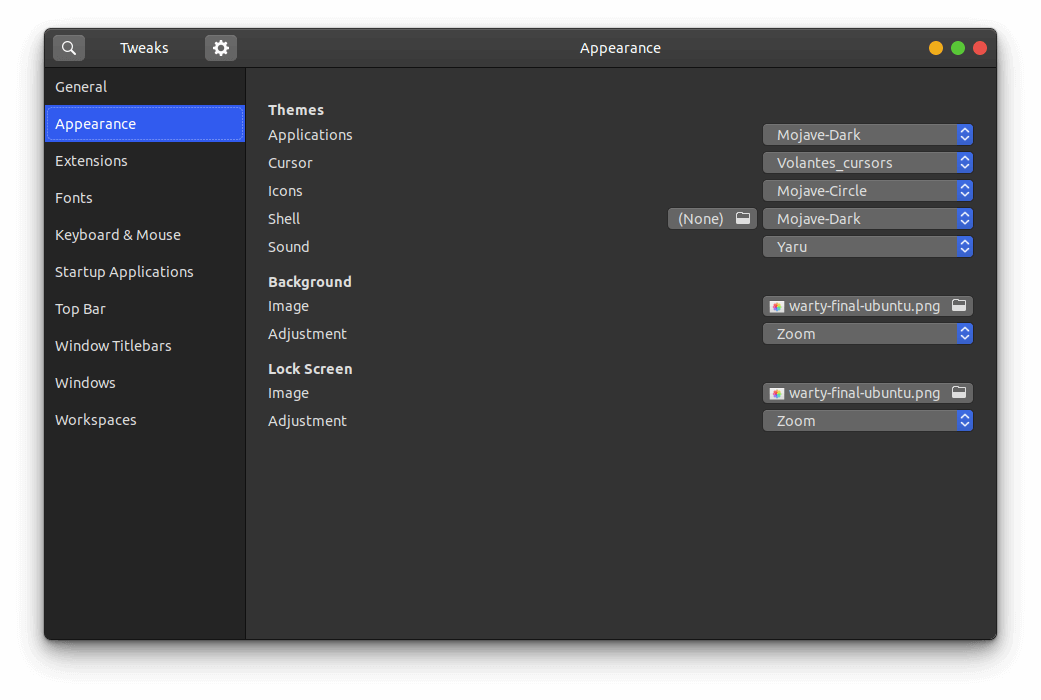 - Ubuntu 20.04 ships with the default desktop environment [Gnome](https://www.gnome.org/), which includes the handy `gnome-tweaks` tool to quickly change designs. To install this, just open your terminal and enter the @@ -91,9 +88,6 @@ extensions, you will first need to install the browser extension that the website instructs you to. See this screenshot for the blue box with a link to the extension. -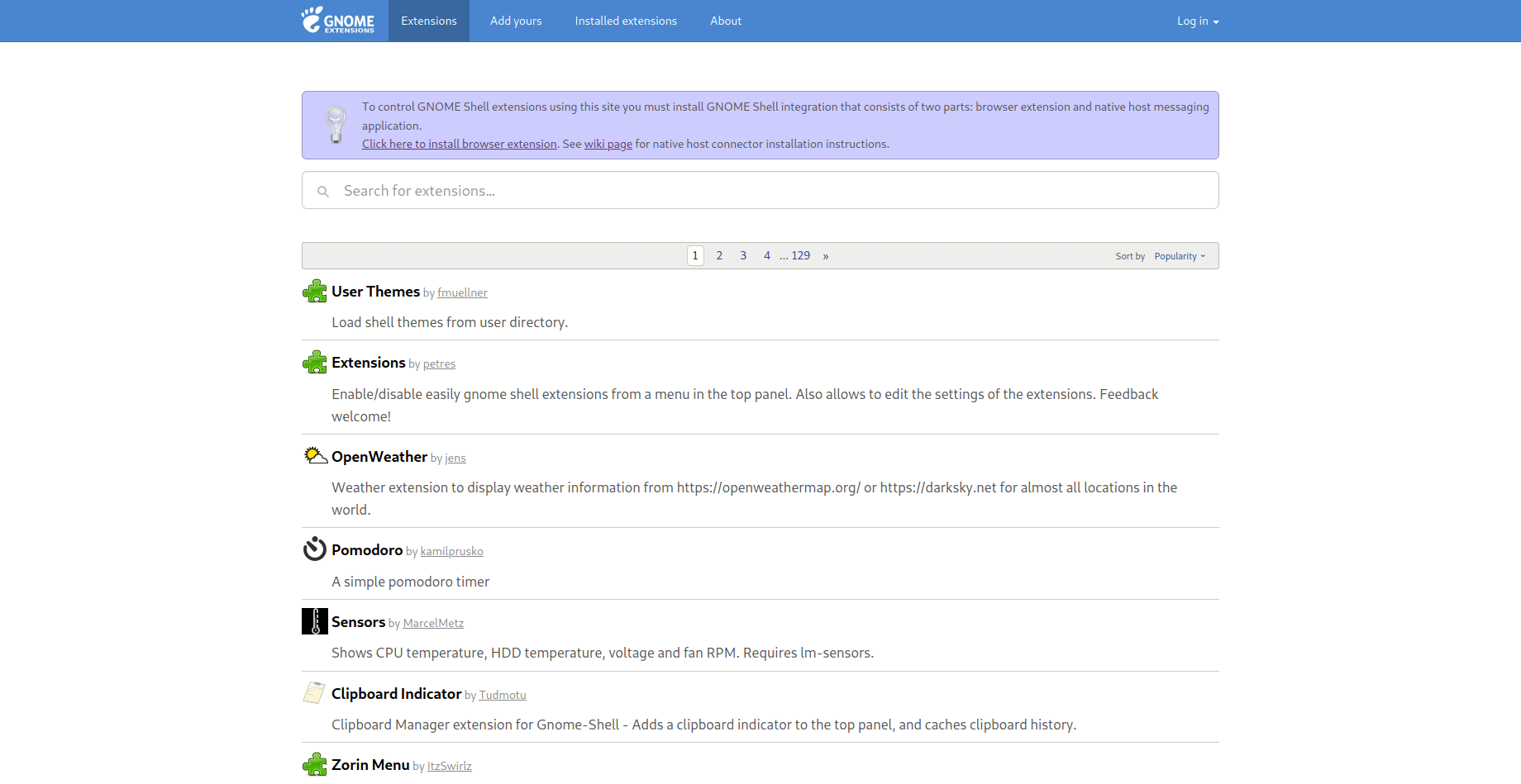 - After the browser extension is installed, you will need to install the native host connector: |