
diff options
| author | Christian Cleberg <[email protected]> | 2024-05-01 21:45:52 -0500 |
|---|---|---|
| committer | Christian Cleberg <[email protected]> | 2024-05-01 21:45:52 -0500 |
| commit | 7d3b5175f2d9d016b06190273fcfeb380a460b3f (patch) | |
| tree | 71139c9021b09704b2d45be3b64d54e2acbae55f /content/blog/2022-03-23-nextcloud-on-ubuntu.md | |
| parent | 7c70a351e25106ceff49ff8ee0a38e2a545f62f0 (diff) | |
| download | cleberg.net-7d3b5175f2d9d016b06190273fcfeb380a460b3f.tar.gz cleberg.net-7d3b5175f2d9d016b06190273fcfeb380a460b3f.tar.bz2 cleberg.net-7d3b5175f2d9d016b06190273fcfeb380a460b3f.zip | |
prettier formatting and rewrap lines
Diffstat (limited to 'content/blog/2022-03-23-nextcloud-on-ubuntu.md')
| -rw-r--r-- | content/blog/2022-03-23-nextcloud-on-ubuntu.md | 8 |
1 files changed, 4 insertions, 4 deletions
diff --git a/content/blog/2022-03-23-nextcloud-on-ubuntu.md b/content/blog/2022-03-23-nextcloud-on-ubuntu.md index 93d539f..e772328 100644 --- a/content/blog/2022-03-23-nextcloud-on-ubuntu.md +++ b/content/blog/2022-03-23-nextcloud-on-ubuntu.md @@ -34,7 +34,7 @@ sudo mysql -uroot -p Once you've logged in, you must create a new user so that Nextcloud can manage the database. You will also create a `nextcloud` database and assign privileges: -``` sql +```sql CREATE USER 'username'@'localhost' IDENTIFIED BY 'password'; CREATE DATABASE IF NOT EXISTS nextcloud CHARACTER SET utf8mb4 COLLATE utf8mb4_general_ci; GRANT ALL PRIVILEGES ON nextcloud.** TO 'username'@'localhost'; @@ -74,7 +74,7 @@ sudo nano /etc/apache2/sites-available/nextcloud.conf Once the editor is open, paste the following information in. Then, save and close the file. -``` config +```config <VirtualHost *:80> DocumentRoot /var/www/example.com ServerName example.com @@ -154,9 +154,9 @@ of Nextcloud, using the `Breeze Dark` theme I installed from the Apps page. 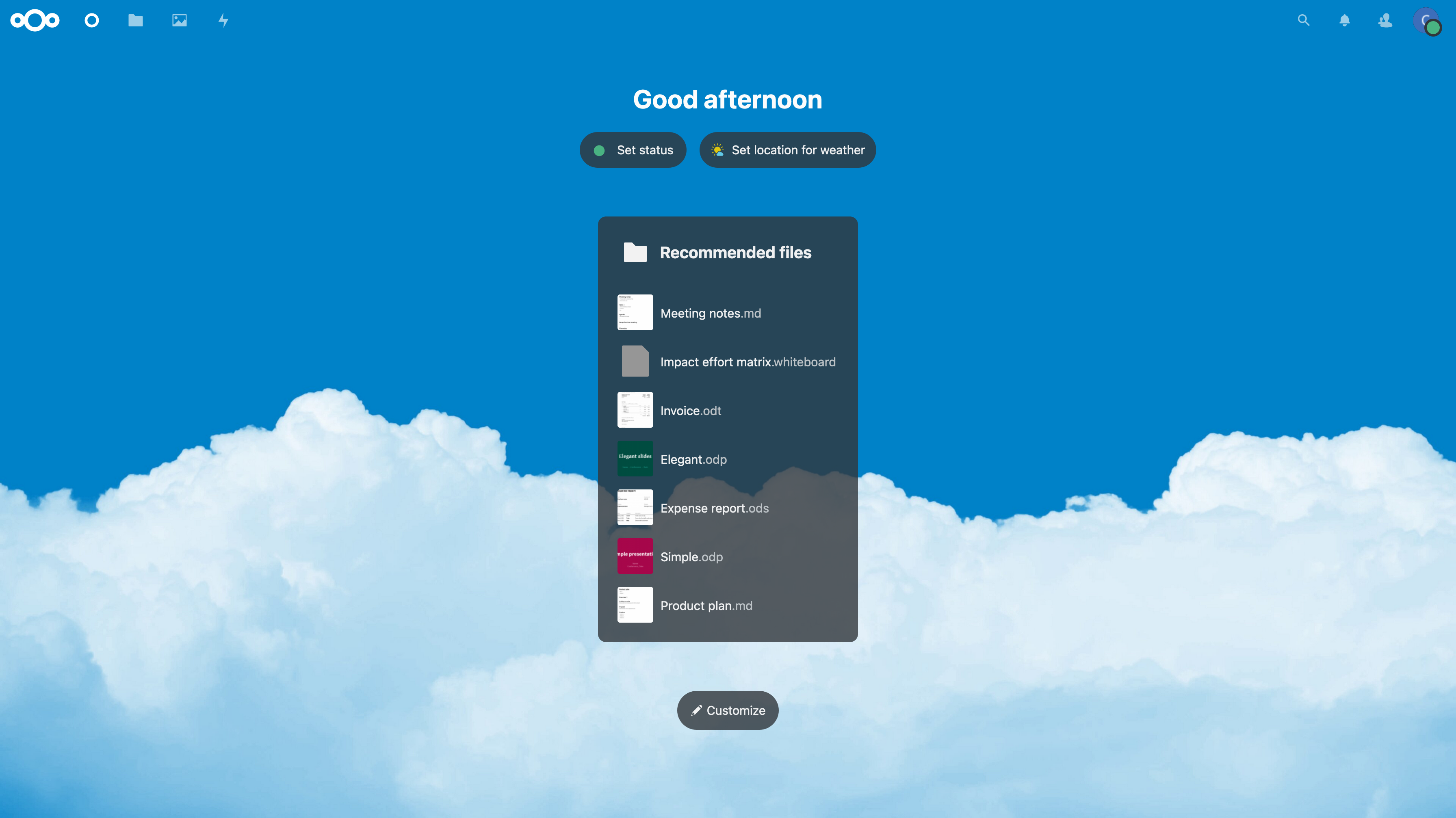 -*Figure 01: Nextcloud Dashboard* +_Figure 01: Nextcloud Dashboard_ 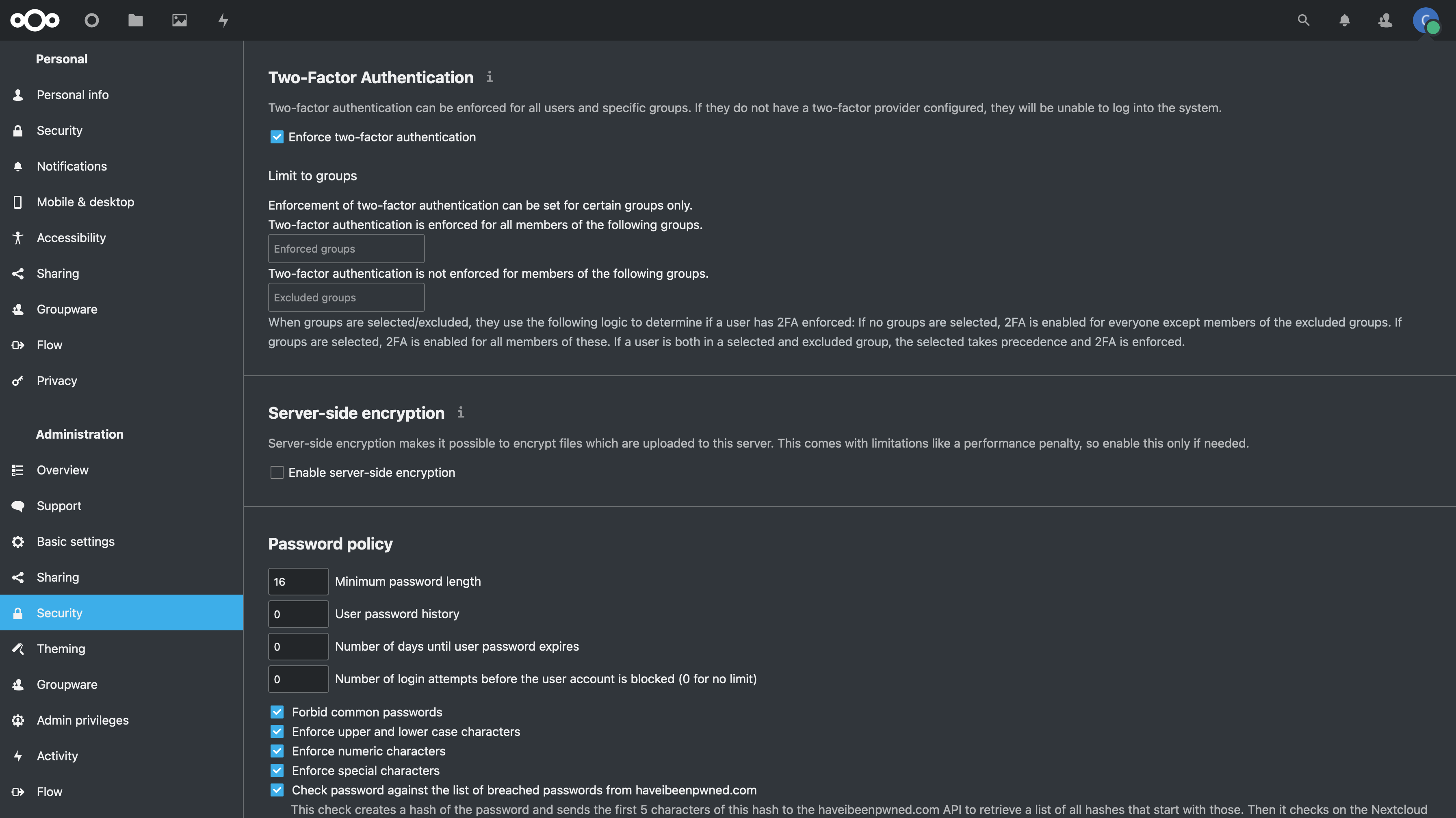 -*Figure 02: Nextcloud Security Settings* +_Figure 02: Nextcloud Security Settings_ |